For Android
For iOS
Add icon to Home Screen
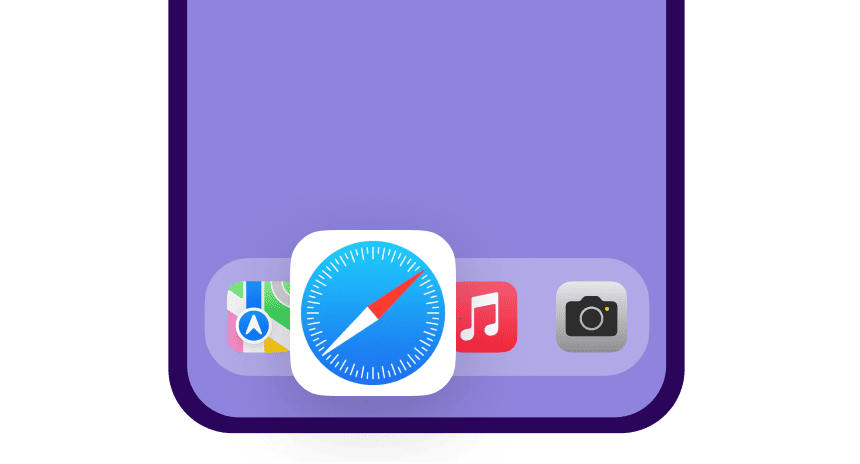
- Open the website flysmartavia.com in the Safari mobile browser.
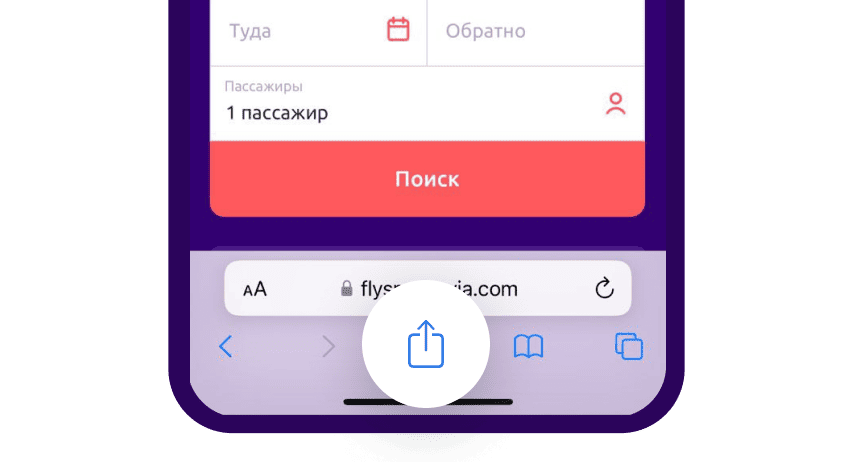
- Tap the "Share" icon at the bottom of the screen.
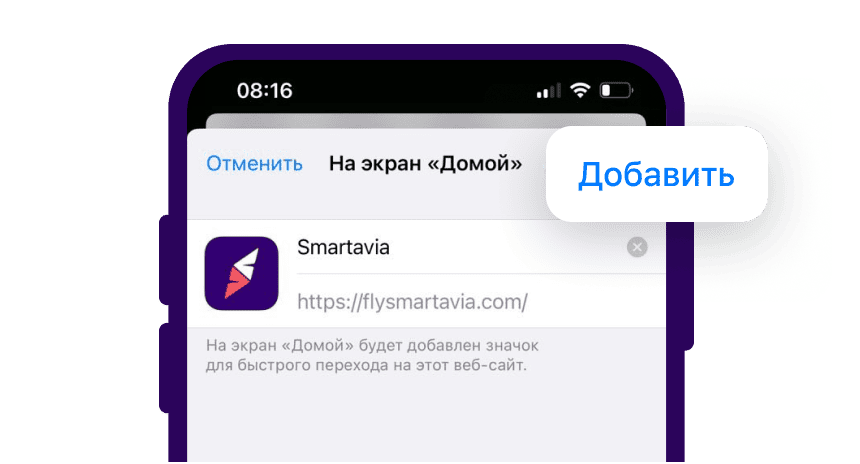
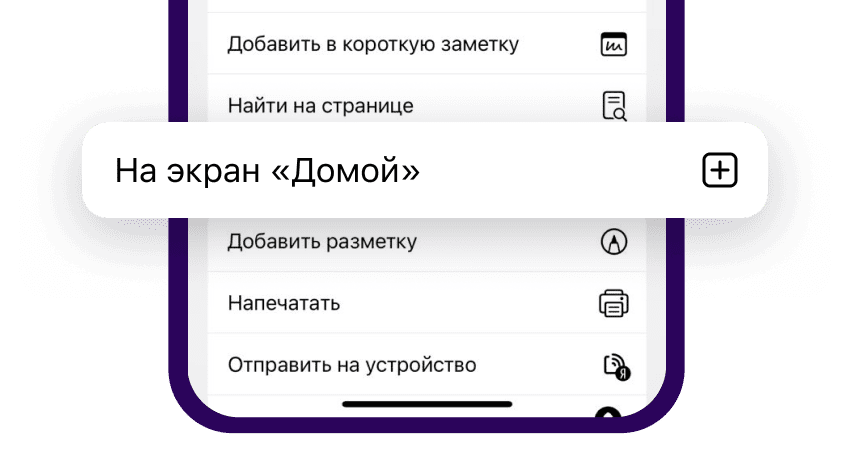
- In the menu select "Add to Home Screen"
- Tap "Add" in the top right corner of the screen. The Smartavia icon will appear on your home screen